Choosing the Right Graphic Design Agency in Zambia for Your Business


Voxforem Technology
Voxforem Technology is a fast-growing global IT services company with a strong presence in Zambia, the USA, the UK, and India. We specialize in web development, mobile app development, custom software solutions, and digital marketing services helping businesses of all sizes embrace digital transformation.
Let’s Together!Contact Info

In today’s fast-paced business environment, managing billing and inventory manually is no longer effective. Errors, delays, and lack of real-time data can impact customer satisfaction and business growth. This is where POS software (Point of Sale software) plays a crucial role.
Modern businesses-from retail stores to wholesale distributors—are increasingly adopting POS systems to streamline operations. In this blog, we’ll explore how POS software improves billing and inventory management, reduces errors, and enhances overall efficiency.
POS software is a digital system that helps businesses manage sales transactions, billing, inventory, and customer data in one place. It replaces traditional manual billing systems and provides real-time insights into business performance.
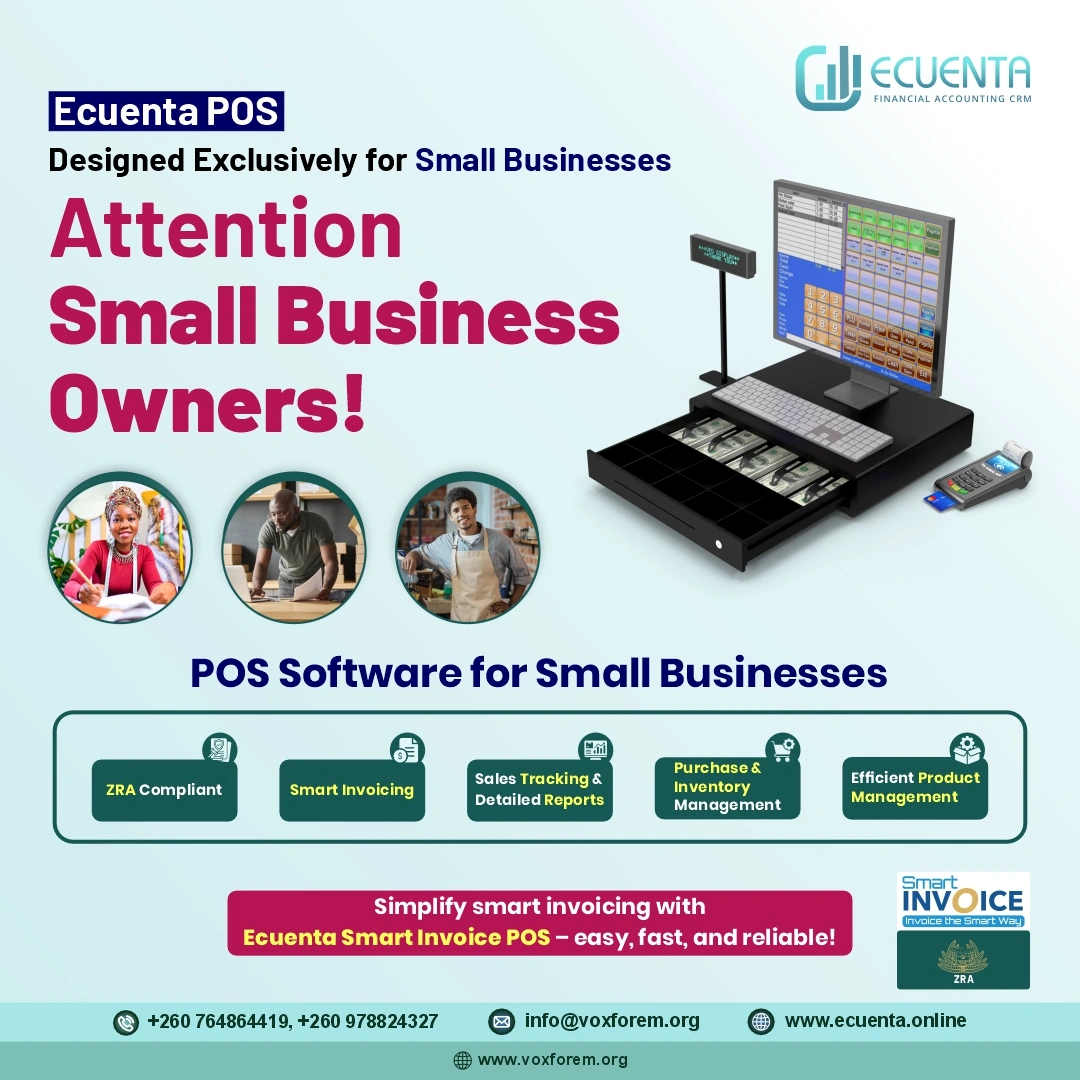
A good POS system for small businesses includes features like:
Many businesses still rely on manual methods like spreadsheets or handwritten bills. While this may work at a small scale, it creates problems as the business grows.
Using a cloud-based POS system helps overcome these challenges and improves overall business efficiency.
One of the biggest advantages of POS billing software is speed. Transactions that take minutes manually can be completed in seconds.
This leads to faster checkout and better customer experience.
Modern POS systems support:
This flexibility improves convenience for customers and increases sales.
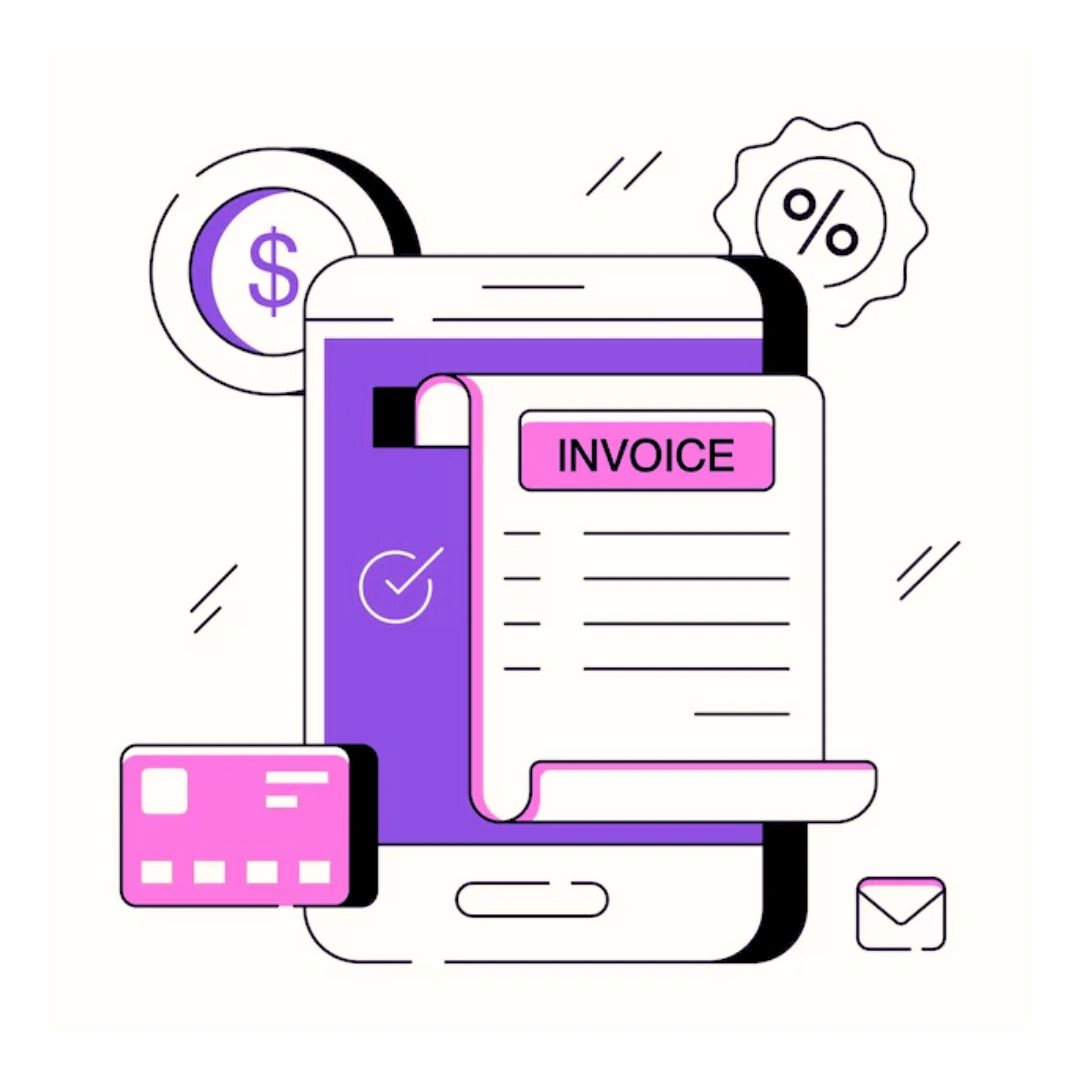
Calculating taxes manually can lead to mistakes. A POS system automatically calculates:
This ensures compliance and accuracy in billing.
POS software allows businesses to:
This makes record-keeping easy and organized.
Manual billing often leads to:
With POS software, these errors are minimized, improving trust and reliability.
A POS inventory management system updates stock automatically with every sale.
This helps businesses avoid stock shortages and overstocking.
POS systems provide alerts when inventory is running low.
For businesses with multiple locations, a multi-store POS system allows:
This is especially useful for growing businesses.
POS software generates detailed reports such as:
These insights help in better decision-making.
Many POS systems support barcode scanning, which:
Automation reduces manual work and saves time.
Accurate data helps in tracking profits and expenses.
Real-time reports help in making informed business decisions.
POS systems grow with your business, supporting expansion.
Switching to a POS system for retail businesses ensures long-term growth and efficiency.
When selecting a POS system, consider:
Choosing the right software ensures smooth operations and better results.
If you are looking for a reliable solution, Voxforem-Ecuentalite POS offers everything you need for efficient billing and inventory management.
With Ecuentalite POS, businesses can automate operations, reduce errors, and improve overall performance.
The future of POS systems is driven by technology:
Businesses that adopt modern POS software will stay ahead of the competition.
In conclusion, POS software is essential for improving billing and inventory management. It simplifies operations, reduces errors, and provides real-time insights that help businesses grow.
Whether you run a small shop or a large retail chain, investing in a POS system is a smart decision. Solutions like Voxforem-Ecuentalite POS offer powerful features that streamline processes and boost efficiency.
If you want to improve your business operations, reduce manual work, and increase accuracy, now is the time to switch to a modern POS system.